August 6, 2026
Building A Personal Portfolio With Claude Code, Higgsfield, and Gemini
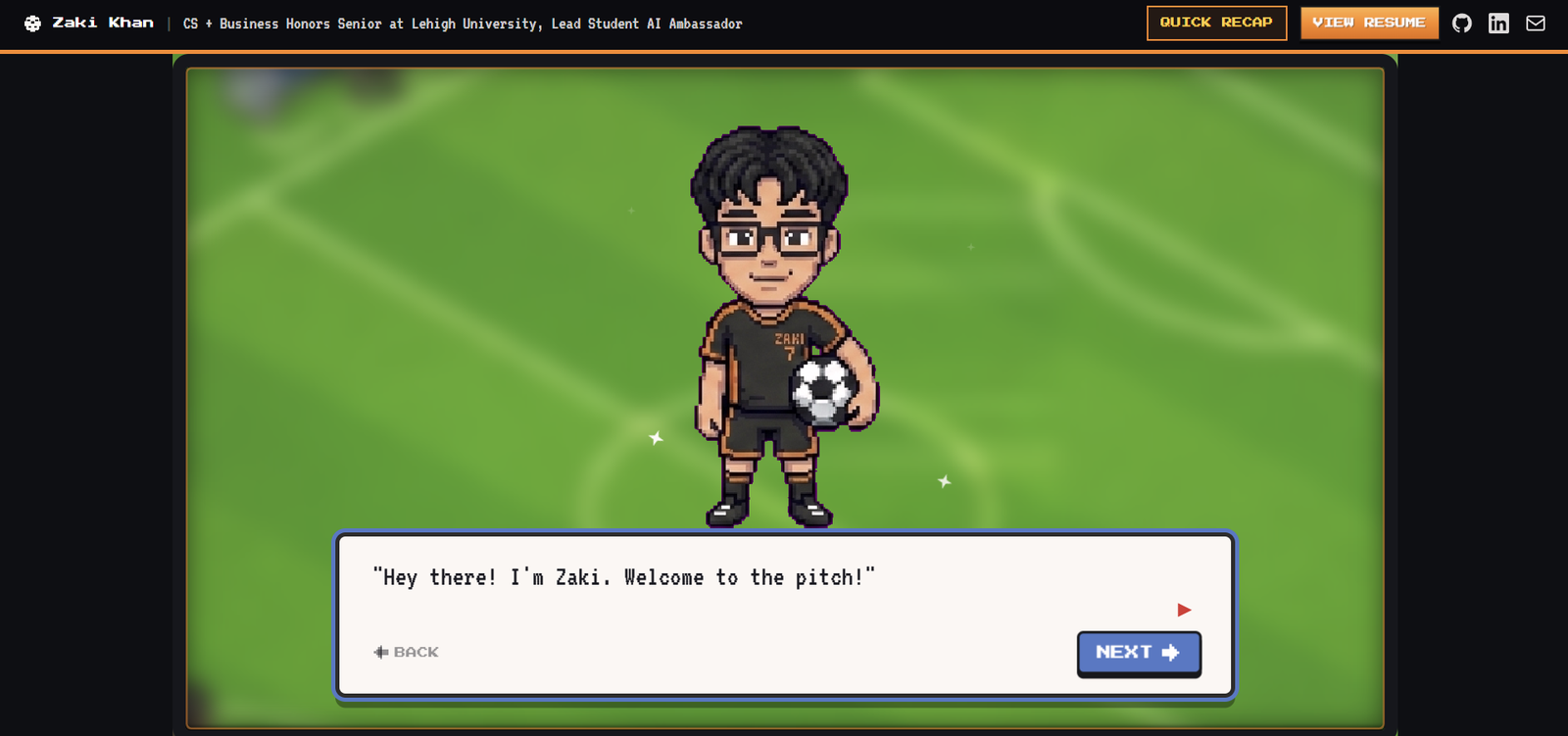
This article will walk you through how I created my personal portfolio website so that you can get some inspiration if you are planning on building your own.
I wanted to see what all the hype was about with this Higgsfield MCP + Fable combo. Although I keep my Linkedin quite updated, I felt like it didn't really show me. I wanted an interactive experience, with little easter eggs and just an all around showcase of who I am and the work I put in for the last few years.
Now, let's get started.
I started off with ideating. Although in a regular project I would probably go into a whiteboard and really map out the user journey, for this I kinda wanted to be quick with the building so I wrote out what I wanted for the app, and uploaded it to Claude Code to create an HTML artifact mapping out the user journey: Access the artifact here
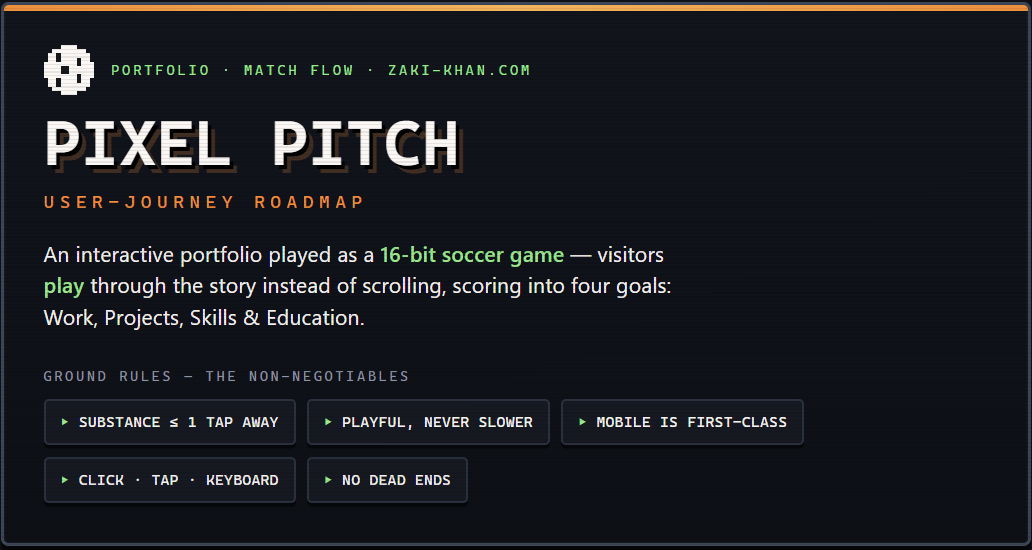
Once the ideation doc/artifact was in place, I knew exactly what I wanted to build. So, then I went to the design phase. This was the part where I wanted to see my vision come to life. However, I knew that just prompting Fable wouldn't create nice images. And so I started abusing my school email Gemini pro account.
In Gemini, I uploaded my context and then wanted to start generating images with nano banana to fit the vibe. I wanted a pixelated character version of myself, a soccer pitch, and an interactive soccer pitch where my main experiences show. I attached my resume and asked it to visualize it for me.
This was my first output…
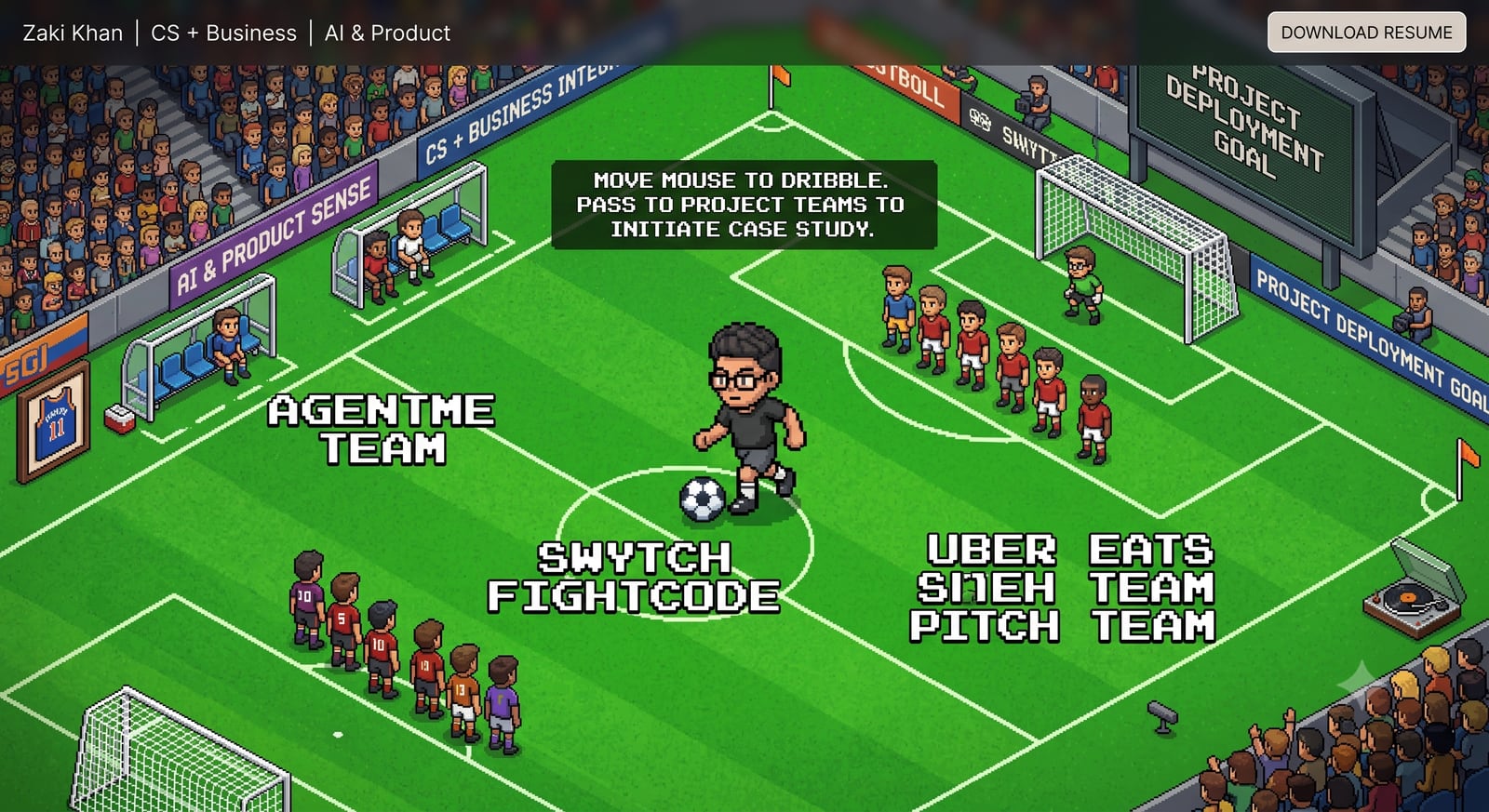
Yeah…not a bad start but not exactly what I wanted. There's quite some work to do here. Why do we have little people lined up like that and I'm just some giant charging towards a line of defense LMAO. I do like the overall pitch layout though.
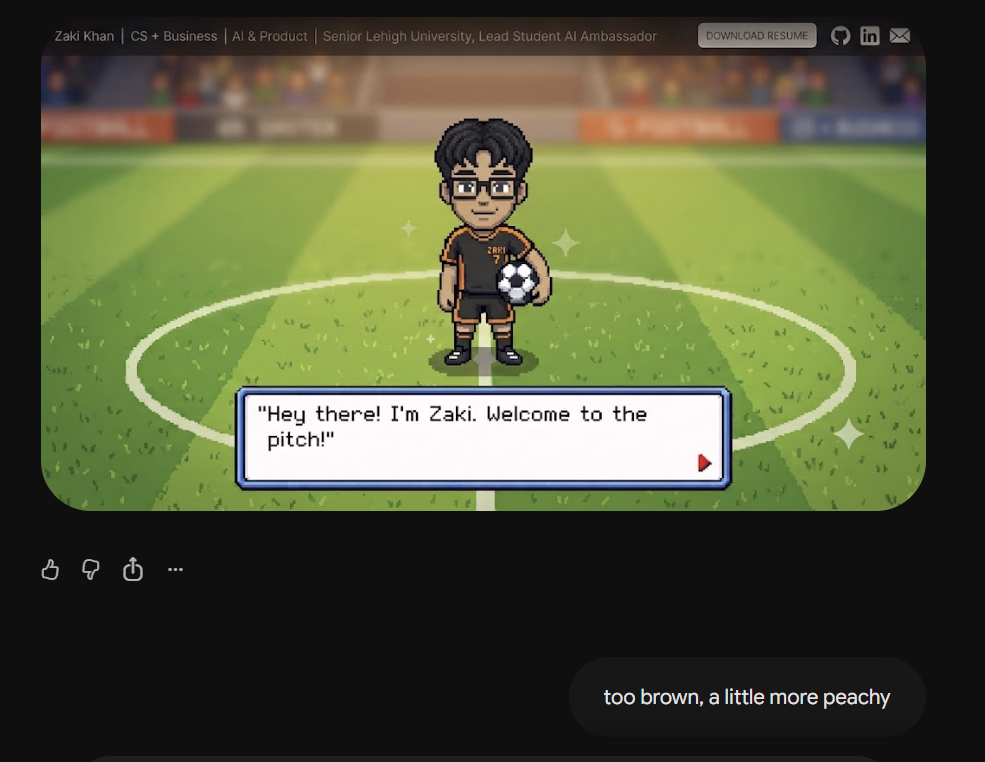
Anyways, I realized I had to generate images frame by frame to really get what I wanted. Here are some of the images I created:
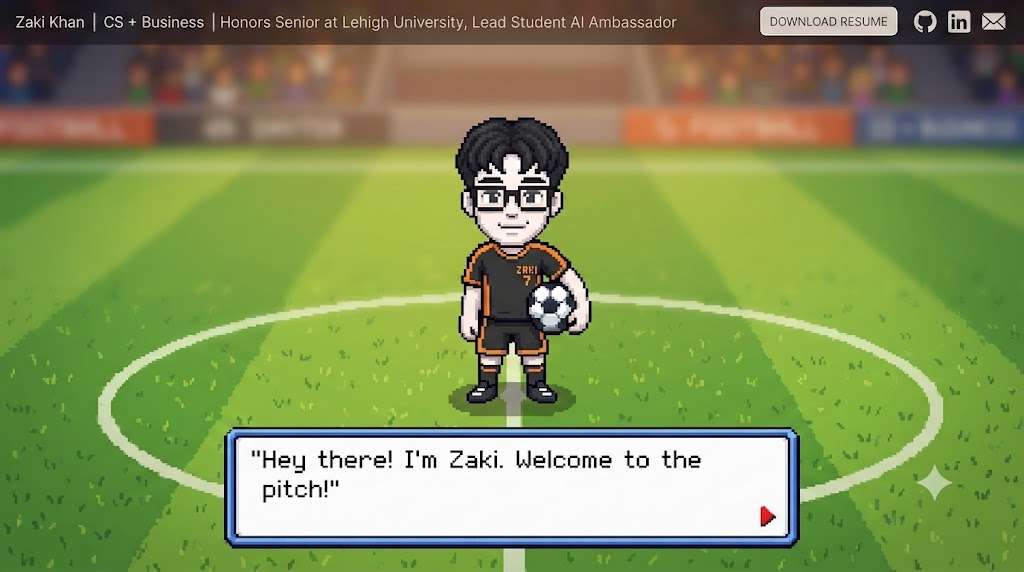
bruh i swear im not that white
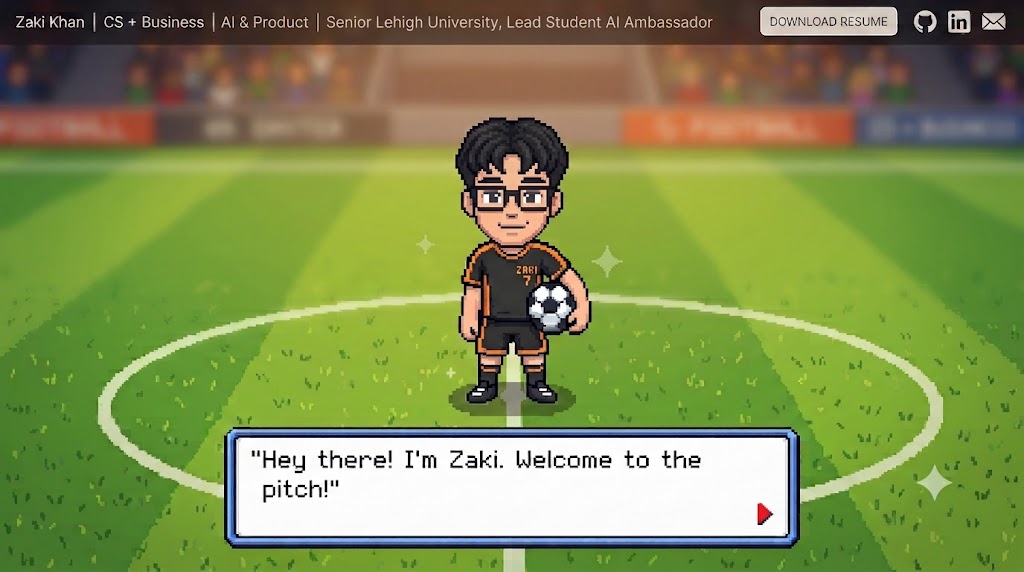
better
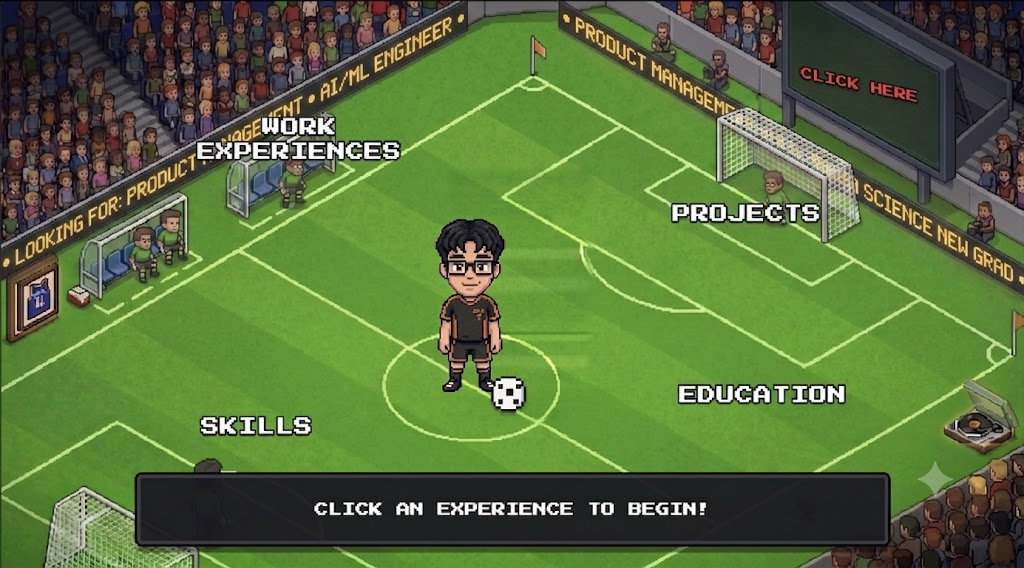
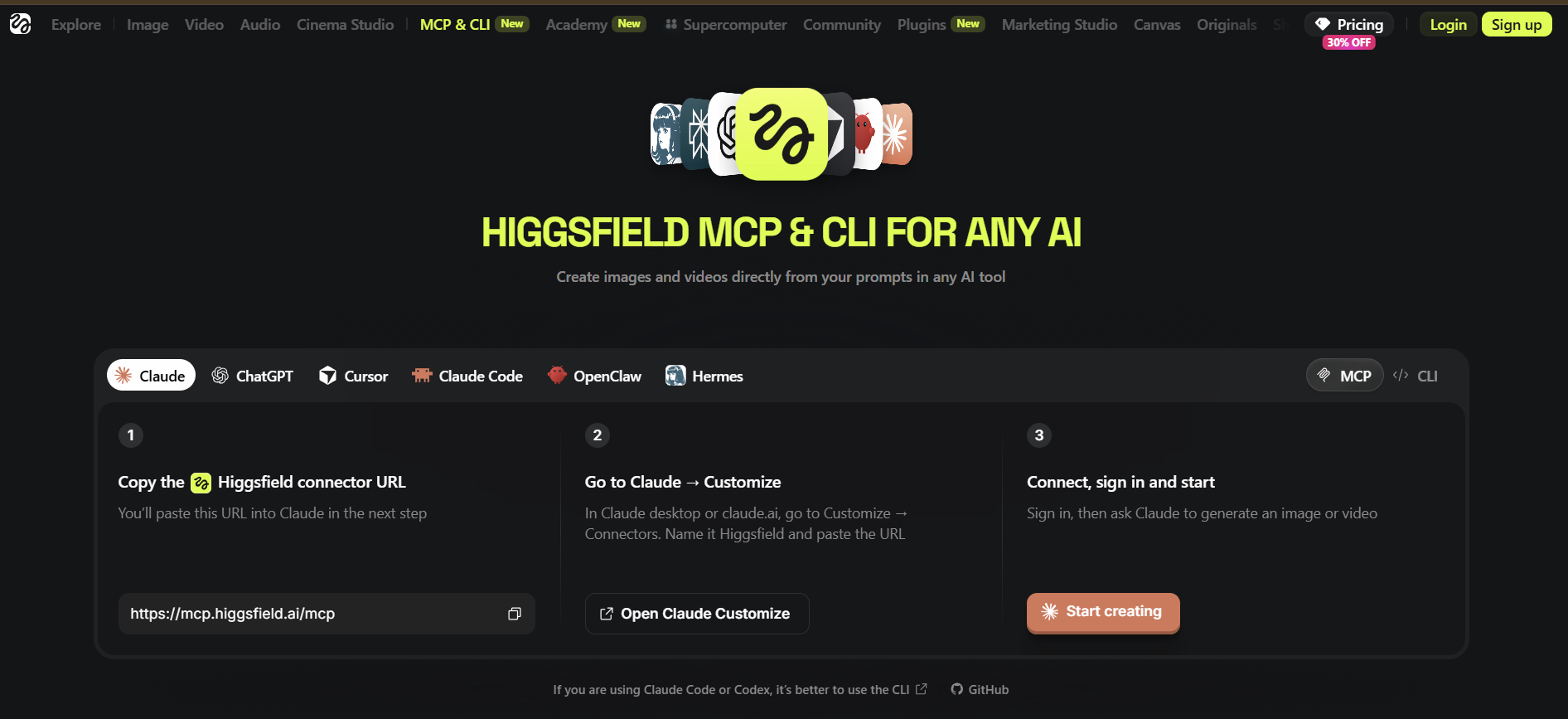
Okay after having some more decent photo generations, I knew it was enough for the layout of the land. Now, I really wanted to see what the Higgsfield MCP could do. I opened up a free Higgsfield account and connected the MCP via this link: higgsfield.ai/mcp
To be honest, I didn't need Higgsfield for THAT much. It helped with 3 things:
- The avatar -- it made different static poses to allow the avatar to have that kicking animation when it kicks somewhere. These were generated as one strip on a magenta background (with a reference image so the character stays identical across poses), then keyed transparent and sliced locally with sharp.
- The pitch/stadium -- it helped with removing an avatar the model baked into the center circle.
- The framed Brunson jersey and the record player.
SO yes, there were only image generations because I had the free plan, and the free plan only allows image generation :(